Your COD3X agent is about to get a new interface: Telegram.
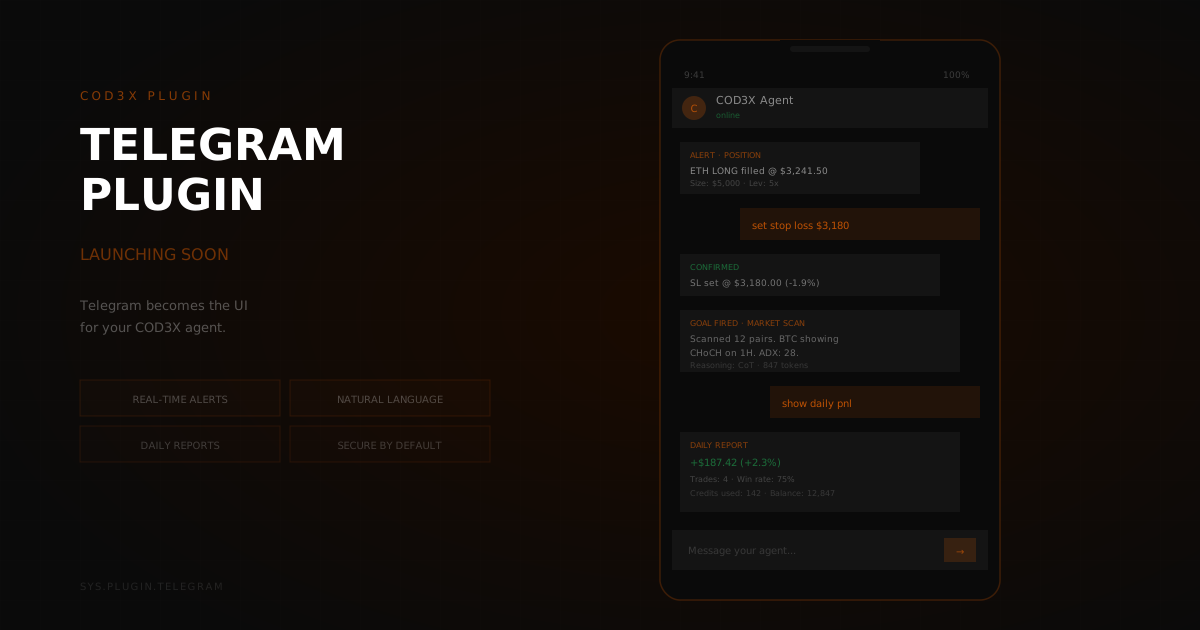
The COD3X Telegram Plugin turns any Telegram chat into a command center for your autonomous trading agents. Monitor positions, adjust strategies, trigger goals, and receive real-time alerts — all without opening a browser.
Why Telegram?#
Traders live in Telegram. Group chats, alpha channels, market discussions — the crypto ecosystem runs on it. But managing your agents has always required switching to the COD3X web app. That context switch costs time, especially when markets move fast.
The Telegram Plugin eliminates the switch. Your agent is wherever you are.
What You Can Do#
Monitor in Real Time#
Get live updates pushed directly to your Telegram chat:
- Position updates — Entry fills, exit triggers, PnL changes
- Goal execution — When goals fire, what reasoning the agent used, and the outcome
- Alert triggers — Price levels, indicator crossovers, FVG fills, CHoCH breaks
- System status — Agent health, credit balance, execution queue depth
No more refreshing a dashboard. Updates arrive the moment they happen.
Control Your Agents#
Send commands directly from Telegram to manage your agents:
- Pause/resume agents — Stop execution instantly or bring agents back online
- Trigger goals manually — Fire a specific goal on demand without waiting for its schedule
- Adjust parameters — Modify stop-loss levels, position sizes, or risk limits mid-trade
- Check status — Query any agent's current state, open positions, and pending goals
Commands use natural language — the same AI that powers your agents interprets your Telegram messages.
Receive Structured Reports#
Configure scheduled summaries:
- Daily PnL report — Portfolio performance across all agents and venues
- Weekly strategy review — Which goals fired, which succeeded, which failed
- Credit usage summary — How your credits were spent and what's remaining
- Risk alerts — Notifications when drawdown thresholds are approached
How It Works#
The Telegram Plugin connects to your COD3X account through a secure authentication flow:
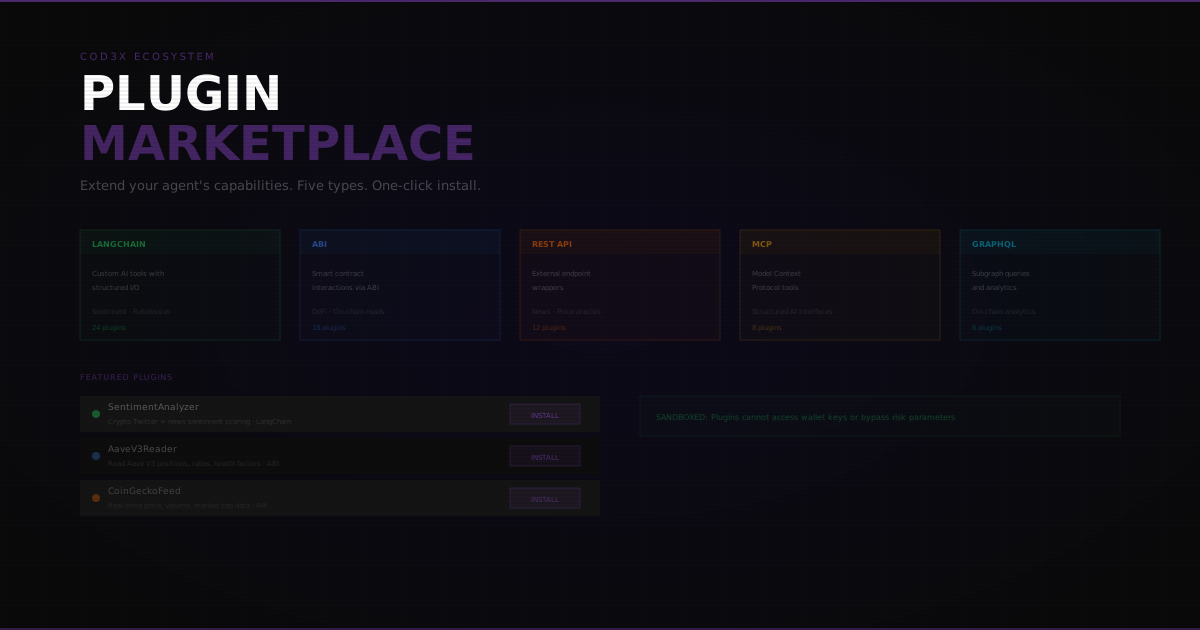
- Install the plugin from the COD3X plugin marketplace
- Link your Telegram — Authenticate via a one-time code sent to the COD3X app
- Configure channels — Choose which alerts go to which Telegram chats (personal DM, private group, etc.)
- Start receiving — Updates begin flowing immediately
Your COD3X authentication token is never shared with Telegram. The plugin operates through COD3X's backend, with Telegram as a display and input layer only.
Security#
The Telegram Plugin is read-and-command only by default:
- No wallet access — The plugin cannot sign transactions or move funds. COD3X is non-custodial by design
- Configurable permissions — Choose which commands are available via Telegram
- Rate limiting — Command frequency is throttled to prevent accidental rapid-fire operations
- Audit trail — Every Telegram command is logged in your COD3X activity history
You can restrict Telegram to monitoring-only mode if you prefer — receiving alerts without the ability to send commands.
Use Cases#
The Mobile Trader#
You're away from your desk when your agent detects a CHoCH on ETH. Telegram pings you with the alert, the agent's reasoning, and its proposed action. You reply "approve" and the trade executes. Total time: 10 seconds.
The Multi-Agent Operator#
You're running five agents across Hyperliquid and GMX. Instead of checking each one individually in the web app, you get a unified Telegram feed of all activity. One glance tells you everything that's happening across your portfolio.
The Team#
You and your trading partners share a private Telegram group. The COD3X plugin posts all agent activity to the group in real time. Everyone sees the same data, can discuss strategy, and has context without logging into separate dashboards.
Launching Soon#
The Telegram Plugin is in final testing and will be available in the COD3X plugin marketplace shortly. It will be available to all users — no minimum tier required.
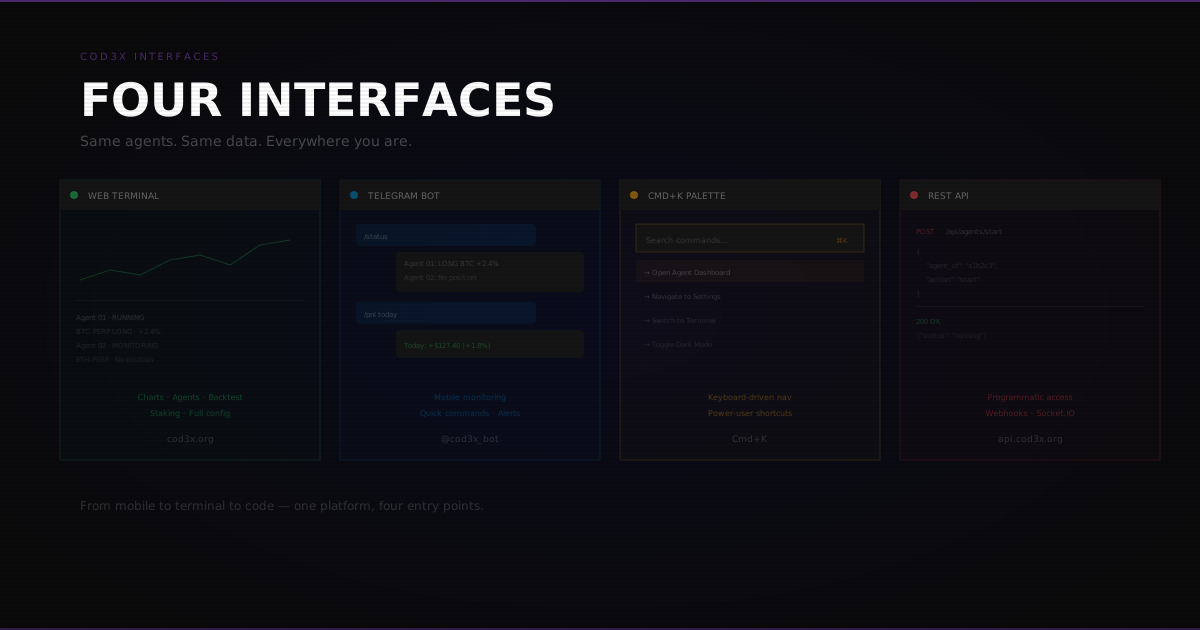
Telegram becomes the UI for your COD3X agent. Monitor, control, and receive alerts — wherever you are. See also: From Telegram to Terminal for a deeper look at how the Telegram interface fits into the full COD3X experience.