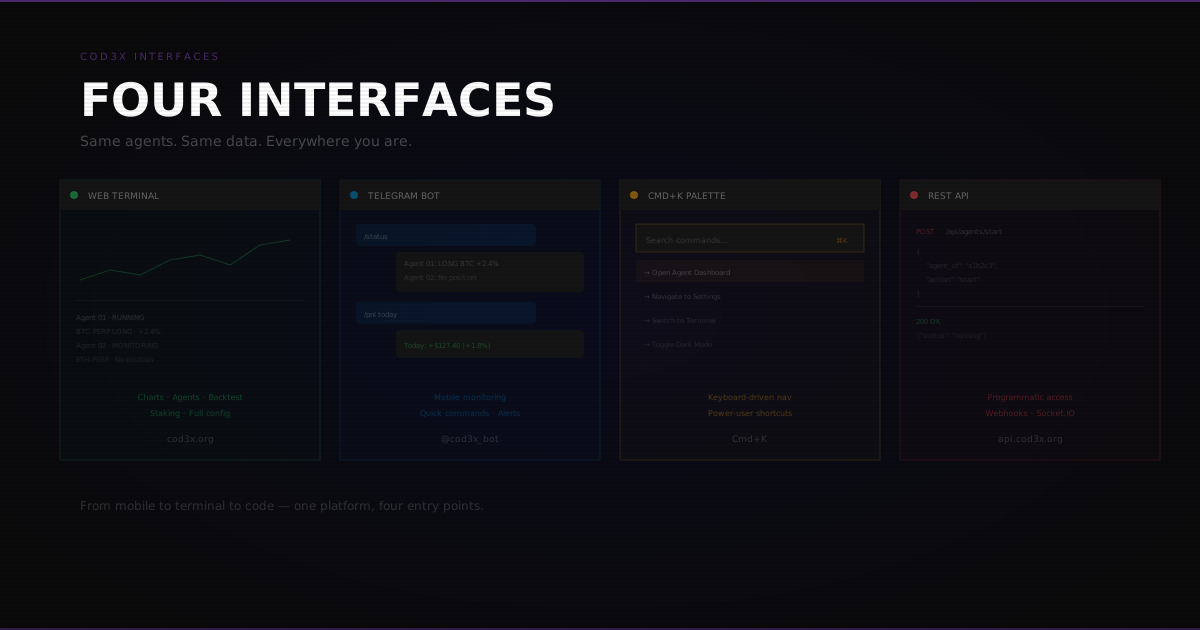
COD3X isn't one interface. It's four — each designed for a different context. The same agents, the same data, the same real-time updates, accessible from wherever you are.
1. Web Terminal#
URL: cod3x.org Best for: Deep analysis, agent configuration, backtesting, staking
The primary interface. Everything COD3X does is accessible here:
Trading & Charts#
- TradingView-style charts powered by Lightweight Charts
- Candlestick, Heikin Ashi, and line chart types
- Technical indicators (ADX, RSI, MACD, EMA, Bollinger Bands)
- ICT overlays (Fair Value Gaps, Change of Character)
- Trigger visualization — see where your agent's triggers would fire on historical data
Agent Management#
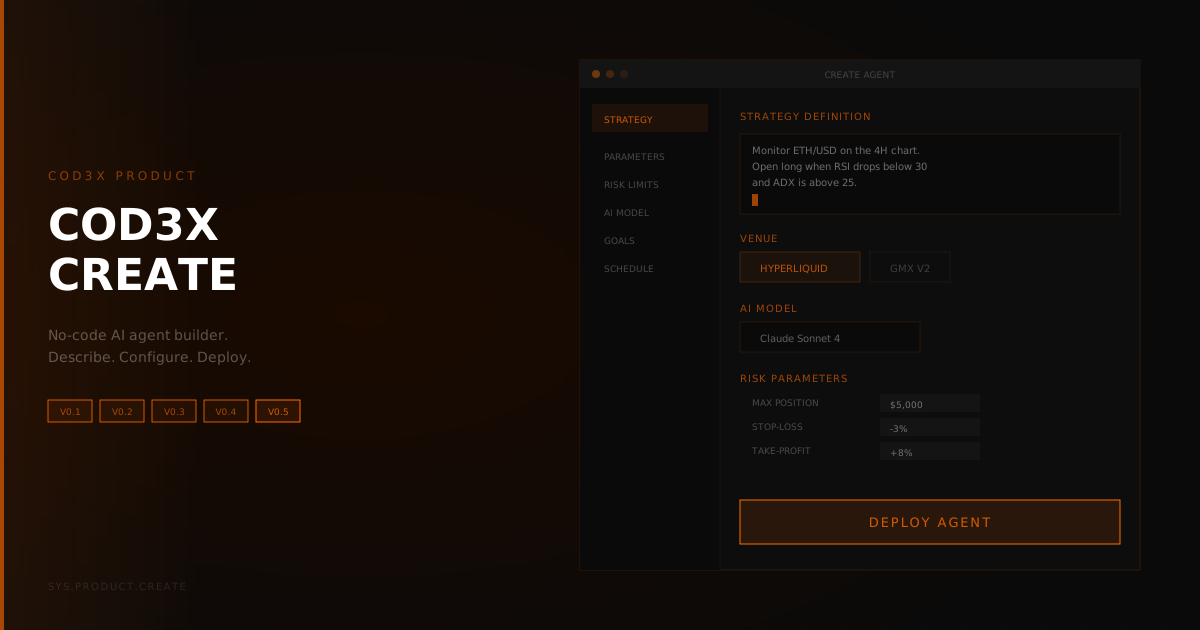
- Create, configure, and deploy agents
- Write and edit goals in natural language
- Configure goal chains with visual trigger connections
- Monitor real-time agent activity and reasoning chains
- Version history with compare and selective restore
Portfolio#
- Open positions with real-time PnL
- Position history with full trade details
- Performance analytics by strategy, market, and timeframe
- Credit usage tracking and budget management
Staking#
- CDX staking via Reliquary
- Tier progression (OPERATOR → ARCHITECT → SENTINEL)
- Maturity timeline and multiplier tracking
- Yield history and claims
Backtesting#
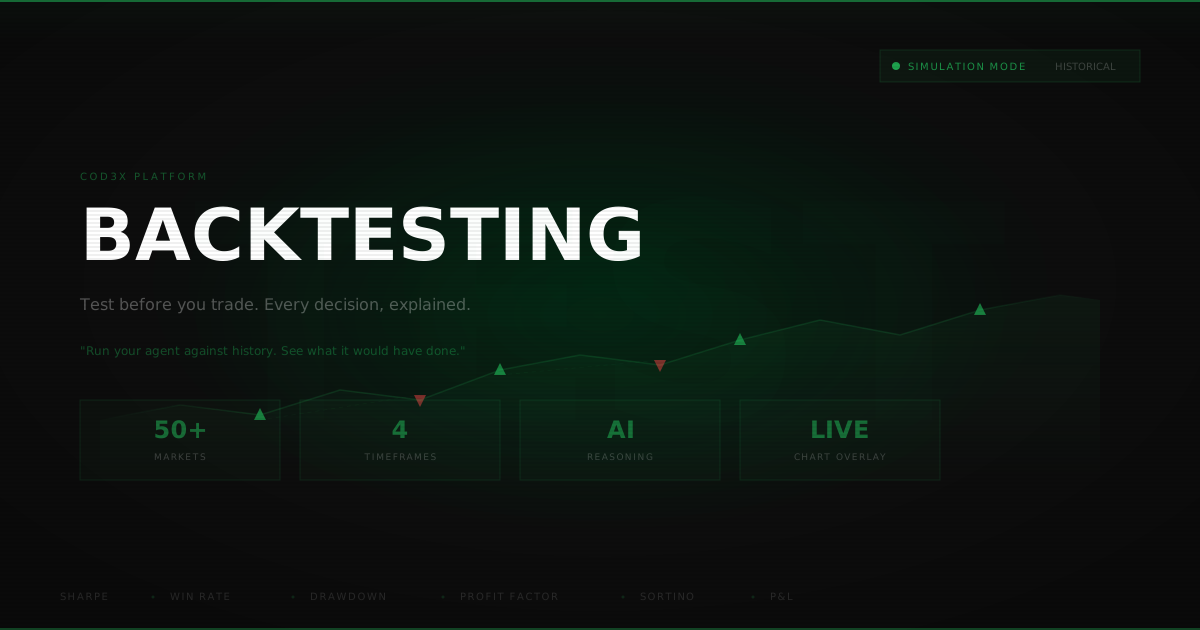
- Run strategies against historical data
- Watch decisions in real-time as the backtest executes
- Full performance reports with decision-level analysis
- Rate and annotate individual decisions
The web terminal is mobile-responsive — built as a PWA (Progressive Web App) with offline caching. It works on phones and tablets, but complex operations (backtesting, goal chain configuration) are better on desktop.
2. Telegram Plugin#
Best for: Mobile monitoring, quick commands, alerts on the go
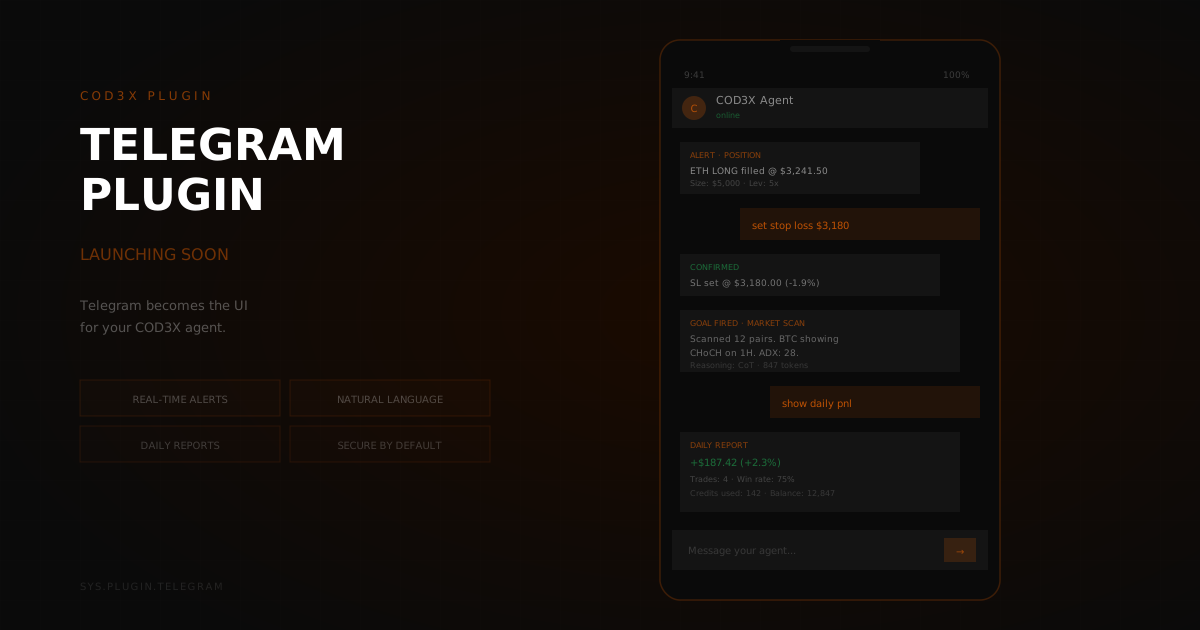
The Telegram plugin connects your COD3X agents to a Telegram bot. No web browser needed.
Monitoring#
- Real-time position updates when trades open or close
- Goal execution notifications with P&L
- Alert triggers (price levels, indicator thresholds, FVG/CHoCH events)
- Agent status (active, paused, error)
Commands#
- Trigger specific goals manually
- Pause and resume agents
- Adjust parameters (position size, max drawdown) via natural language
- Request portfolio summary
Scheduled Reports#
- Daily PnL — Summary of the day's trades, total profit/loss, and agent activity
- Weekly review — Strategy performance, credit usage, and notable decisions
- Credit alert — Warning when credit balance drops below a threshold
Security#
The Telegram plugin cannot access your wallet or move funds. It operates through the same permission model as the web terminal — read and command only. You can further restrict it to monitoring-only mode.
3. Command Palette#
Keyboard shortcut: Cmd+K (Mac) / Ctrl+K (Windows) Best for: Power users who want speed
The command palette (built on cmdk) is a keyboard-driven search and navigation system:
Quick Search#
- Search agents by name: "momentum btc agent"
- Search positions: "open positions BTC"
- Search goals: "funding rate goal"
- Search journal entries: "losing trades January"
Quick Actions#
- "pause all agents"
- "trigger goal [name]"
- "open agent settings for [name]"
- "show staking dashboard"
- "navigate to backtesting"
Shortcuts#
- Jump to any page without clicking through navigation
- Switch between agents instantly
- Access recent items (last viewed agents, positions, journal entries)
The command palette surfaces in any context. Whether you're on the portfolio page or the staking dashboard, Cmd+K opens the same unified search.
4. API#
Best for: Custom integrations, programmatic access, third-party tools
Full programmatic access to everything the web terminal can do:
REST API#
- Agent CRUD (create, read, update, delete)
- Goal management and triggering
- Position queries and trade history
- Account and credit balance
Socket.IO (Real-Time)#
- Subscribe to position updates
- Receive goal execution events
- Live PnL streaming
- Alert notifications
Webhooks#
- Trade execution notifications to external services
- Goal completion callbacks
- Drawdown and risk alerts
- Custom event triggers
Use Cases#
- Build custom dashboards in Grafana or other tools
- Pipe trade data to a spreadsheet for custom analysis
- Connect COD3X to other platforms via webhooks
- Automate credit purchases based on usage patterns
- Build custom trading interfaces on top of the API
Unified Backend#
All four interfaces connect to the same backend. Changes in one appear in all others instantly:
- Configure an agent on the web terminal → see it in Telegram
- Trigger a goal via command palette → position update appears in the API stream
- Agent opens a trade → Telegram sends the notification, web terminal updates the chart, API pushes the event
The synchronization is real-time via Socket.IO and Redis PubSub. There's no polling, no refresh delays. When something happens, every connected client knows within milliseconds.
Choosing the Right Interface#
Most users live in the web terminal for setup and analysis, and Telegram for daily monitoring. Power users add the command palette for speed. Developers add the API for custom tooling.
Four interfaces, one platform. Web terminal for depth, Telegram for mobile, command palette for speed, API for everything else. Every interface shares the same real-time data.