Every autonomous agent on COD3X trades with real capital. Real positions. Real P&L. That's the point — but it also means mistakes cost money.
Backtesting changes the equation. Before your agent touches a single dollar, you can run it against months of historical market data and see exactly how it would have performed. Every trade. Every decision. Every reasoning chain the AI produced — all verifiable before you go live.
This isn't a backtest in the traditional sense. There's no curve-fitting a strategy to past data and hoping it holds. COD3X backtesting runs your actual agent — your goals, your triggers, your AI model — against real historical candles and evaluates every decision the same way it would in production.
Why Backtesting Matters for AI Agents#
Traditional backtesting tools test static strategies. Buy when RSI crosses below 30. Sell when MACD flips bearish. The rules don't change, and the results are deterministic — run it twice, get the same output.
AI agents are different. They reason. They weigh multiple signals using different reasoning modes. They consider market context, trend direction, volatility regime, and momentum before making a call. Two runs on the same data can produce different decisions because the AI's reasoning adapts to the full picture, not just a hardcoded threshold.
That's what makes AI agents powerful — and what makes testing them harder. You can't just plot an indicator crossover on a chart and call it validated. You need to see what the agent actually decided, why it decided it, and how those decisions compounded into a track record.
How It Works#
Backtesting on COD3X runs in three steps.
1. Select Your Strategy#
Choose what to test:
- Single Goal — Test one specific trading goal in isolation. Useful for tuning individual strategies before combining them.
- Full Agent — Test your entire agent configuration. Every goal, every trigger, every rule — the full stack.
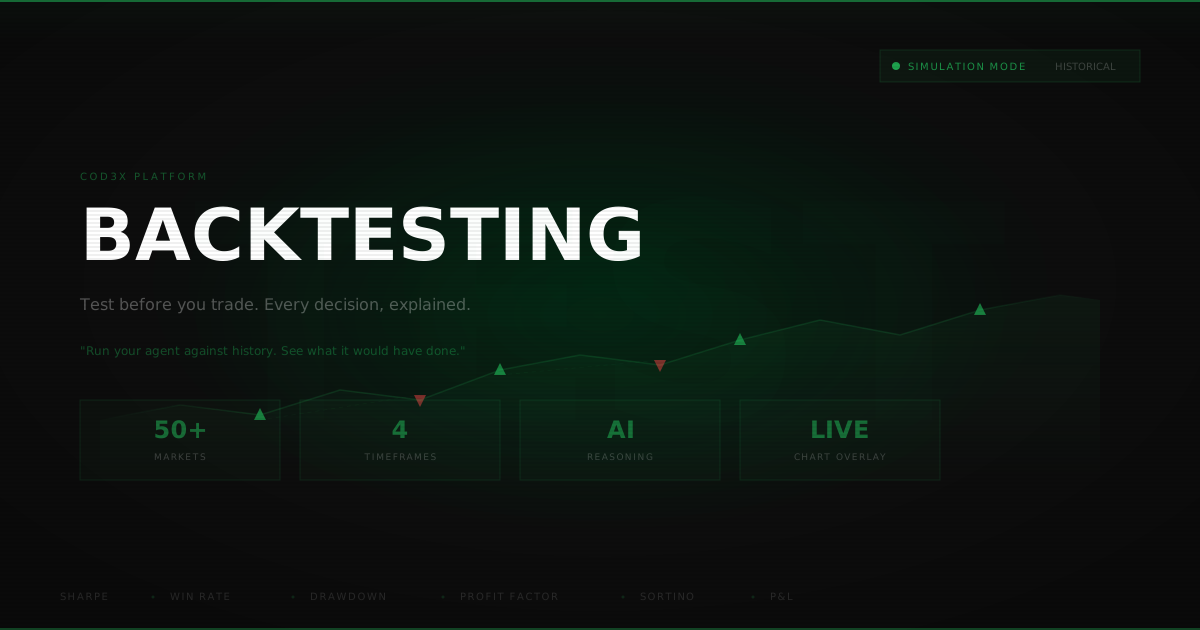
Pick your market symbol and timeframe. Backtesting currently supports all Hyperliquid perpetual markets — BTC, ETH, SOL, and 50+ other pairs — across four timeframes:
2. Configure the Run#
Set your parameters:
- Date range — How far back to test. A wider range means more market conditions covered.
- Initial balance — Starting capital for the simulation. Default is $10,000.
- Historical context — How many candles the AI sees before each decision (10–200). More context means better-informed reasoning, but higher compute cost.
Before you start, the system estimates how many AI inference calls your backtest will require — so you know the cost before committing.
3. Watch It Run#
Backtesting isn't instant. Your agent processes every trigger event in sequence, making real AI decisions at each one. You can watch the entire process live:
- Phase tracking — See which stage the backtest is in: collecting data, processing triggers, evaluating decisions, calculating results.
- Progress bar — Real-time completion percentage with trigger count.
- Live decisions — Watch decisions appear as the AI makes them. Each one shows the action taken, entry price, confidence score, and reasoning.
If something goes wrong — network timeout, stuck inference — you can resume from where it left off. No need to restart from scratch.
What You Get Back#
When the backtest completes, you get a full performance report that would make a quant fund jealous.
Performance Metrics#
Plus streak data (longest win streak, longest loss streak), average win vs. average loss, and total AI credits consumed.
Every Decision, Explained#
This is where COD3X backtesting diverges from every other tool. You don't just see that a trade happened — you see why.
Each decision includes:
- Action taken — Long, short, close, or hold.
- Confidence score — How certain the AI was (0–100%).
- Full reasoning chain — The AI's written analysis of market conditions, indicator signals, and the logic behind its decision.
- Market conditions snapshot — Trend direction, volatility regime, momentum, support/resistance levels, RSI, MACD signal — everything the AI considered.
- Entry and exit prices — Exact execution levels.
- Exit reason — Stop loss, take profit, time limit, opposite signal, or liquidation.
You can filter decisions by outcome — show all trades, only winners, only losers, or holds where the AI chose to sit out. Each filter shows a count so you can immediately see the distribution.
Chart Overlay#
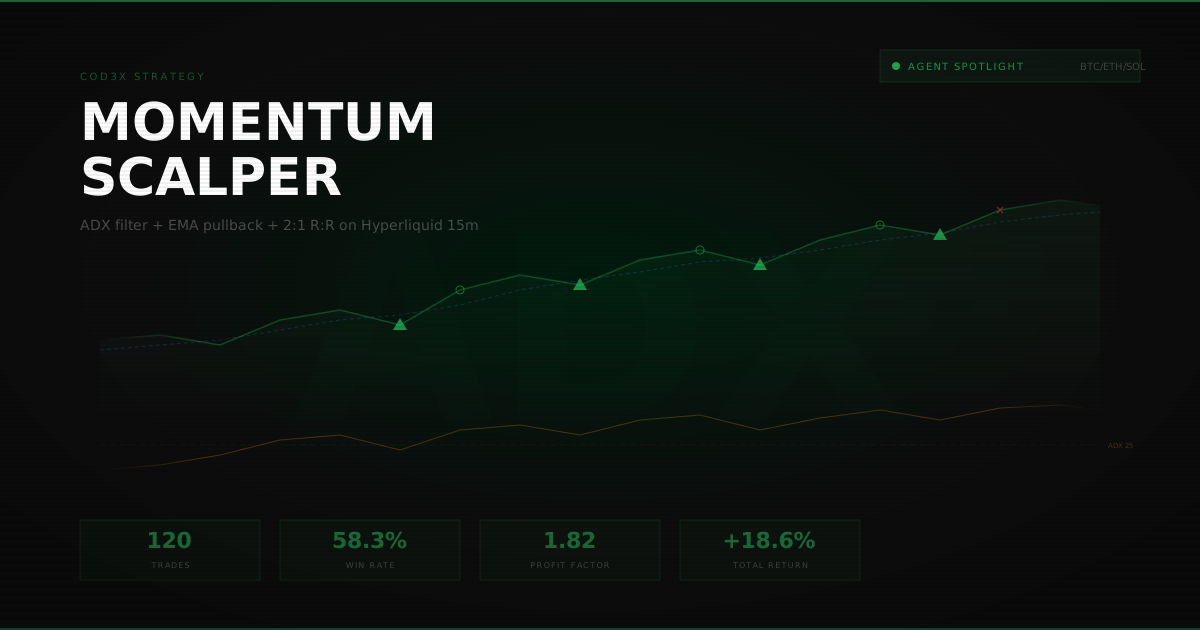
Toggle the chart overlay and every entry and exit point appears directly on the price chart. Green markers for winners. Red for losers. Entry arrows and exit arrows connected visually so you can see the full lifecycle of each position.
This isn't a separate chart view — it layers directly onto the same TradingView-style chart you use for live trading. Scroll through the historical data and see exactly where your agent would have entered and exited.
The Feedback Loop#
Here's what makes this more than a testing tool.
Rate Every Trade#
Expand any decision and rate it on five dimensions:
- Entry Timing — Did the agent get in at a good price?
- Exit Timing — Did it close at the right moment?
- Position Sizing — Was the allocation appropriate for the signal strength?
- Risk Management — Were stops and limits well-placed?
- Reasoning Quality — Did the AI's analysis make sense?
Add comments, flag issues, build a dataset of human judgment on AI decisions. This feedback isn't just for your notes — it feeds back into how you configure and refine your agent's goals and triggers.
AI-on-AI Analysis#
For any decision, you can request an AI analysis of the AI's own trade. A separate model evaluates the decision in hindsight — considering what actually happened in the market after the trade — and provides suggestions for improvement.
The agent that made the trade explains its reasoning. A second AI critiques it with the benefit of knowing the outcome. You get both perspectives.
What Backtesting Reveals#
Running backtests across different market conditions exposes things you can't see in live trading:
Strategy gaps — Your agent kills it in trending markets but bleeds during consolidation? (A momentum strategy is a good example of a trend-dependent approach.) You'll see it in the win rate breakdown across different volatility regimes.
Trigger quality — Some trigger combinations fire constantly but produce mediocre results. Others fire rarely but nail entries. The data shows which triggers are pulling their weight.
Confidence calibration — When your agent says it's 90% confident, does it actually win 90% of the time? Backtesting builds the dataset to answer that question.
Risk exposure — Max drawdown tells you the worst-case scenario your strategy would have experienced. If a 30% drawdown would have wiped your risk tolerance, you know to tighten parameters before going live.
From Backtest to Production#
The path from testing to live trading is direct. The same goals, triggers, and AI model you backtested are the same ones your agent runs in production. There's no translation layer, no "strategy export," no reimplementation. You test it, you tune it, you turn it on.
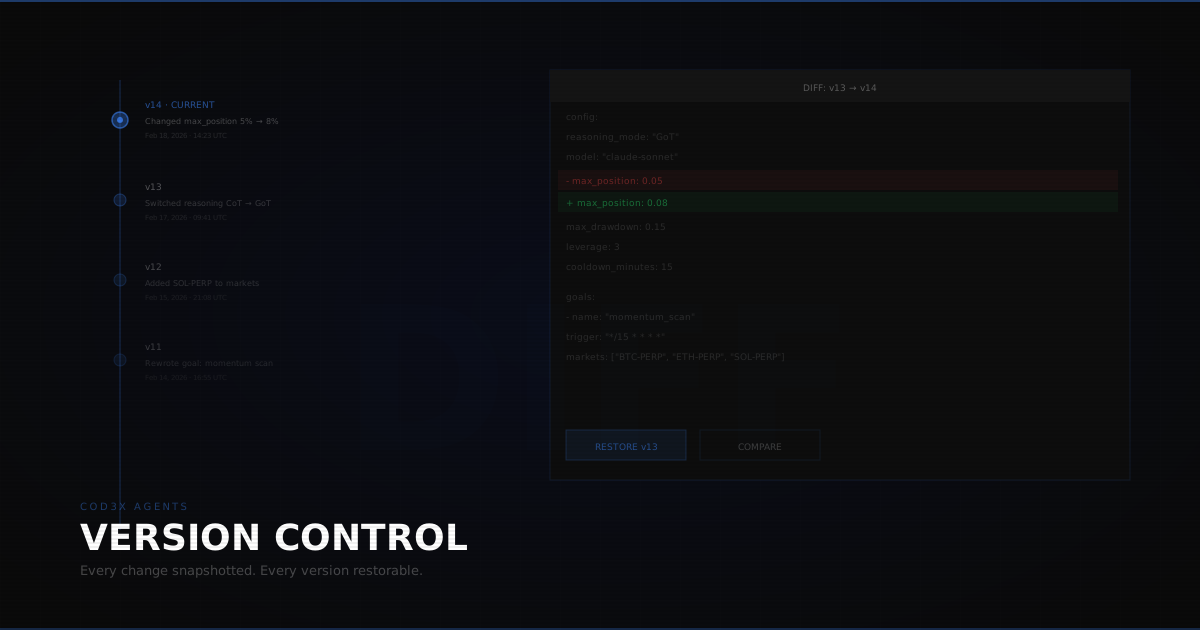
And when you update your agent — new triggers, adjusted goals, different AI model — you can re-run the same backtest with one click to see how the changes affect performance. Version your improvements. Compare across agent configurations. Build confidence before deploying capital.
Test your strategies against real market history. See every decision your AI would have made. Refine before you risk. Backtesting is live on COD3X — configure your agent and run your first backtest at cod3x.org.